
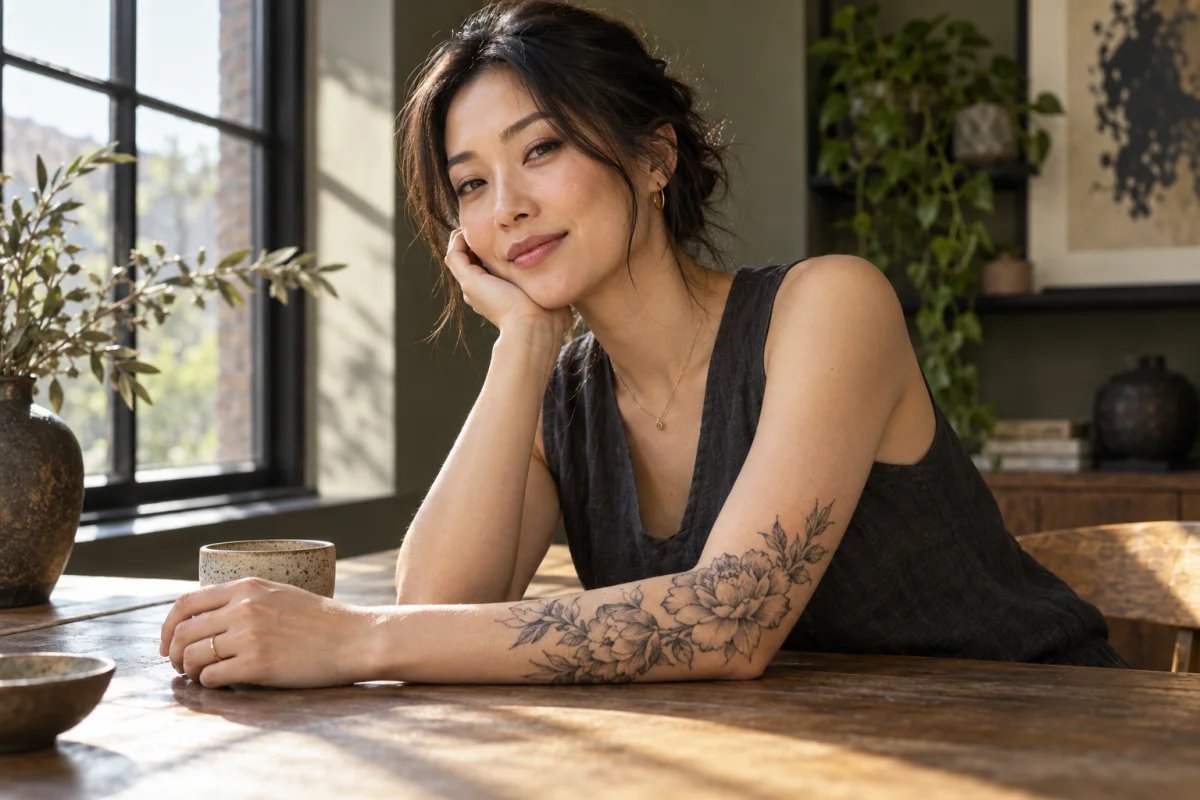
Create custom tattoo designs with AI, explore tattoo styles, and preview designs on your own photo. Find an idea, make it yours, and try it on before you ink.
Create Your Own Tattoo Design with AI
Create custom tattoo designs with AI, explore tattoo styles, and preview designs on your own photo. Find an idea, make it yours, and try it on before you ink.
Loading…
Live 2D try-on demo · AI-generated model photoExplore tattoo styles
See all ↗Design a tattoo. Preview it on your skin.
Create a design or try on one you already have. Explore lettering and styles below.
Generate from text
Describe a subject and create a tattoo design in your chosen style.
Try it on a photo
Upload a body photo and tattoo artwork. Get an automatic fit, then adjust size and position.
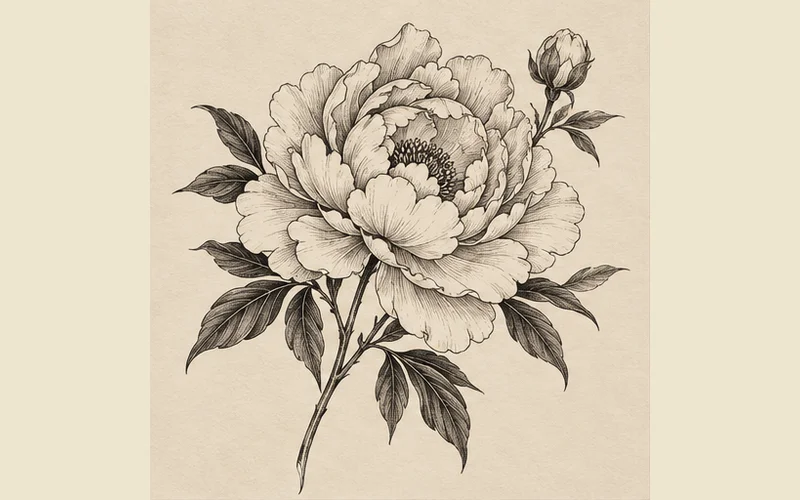

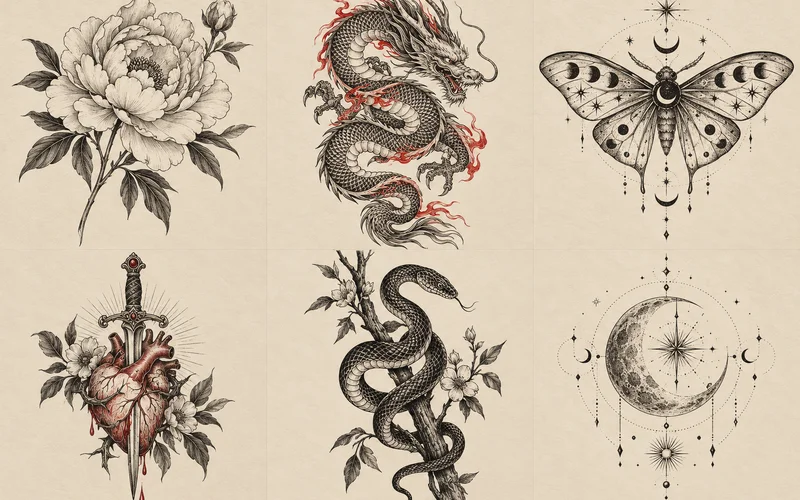
Tattoo Designs and Ideas
Select a design to inspect the details and use its style as your starting point.
Related tattoo ideas
How to Generate a Tattoo Design
- 1
Describe your tattoo
Describe a symbol, a memory, or a subject you love.
- 2
Select style and placement
Choose the linework and placement that fit your idea.
- 3
Generate and download
Generate, refine, and download a concept to discuss with your artist.
See tattoos in everyday life
Explore placement, scale and personal style. People and tattoo imagery are AI-created.
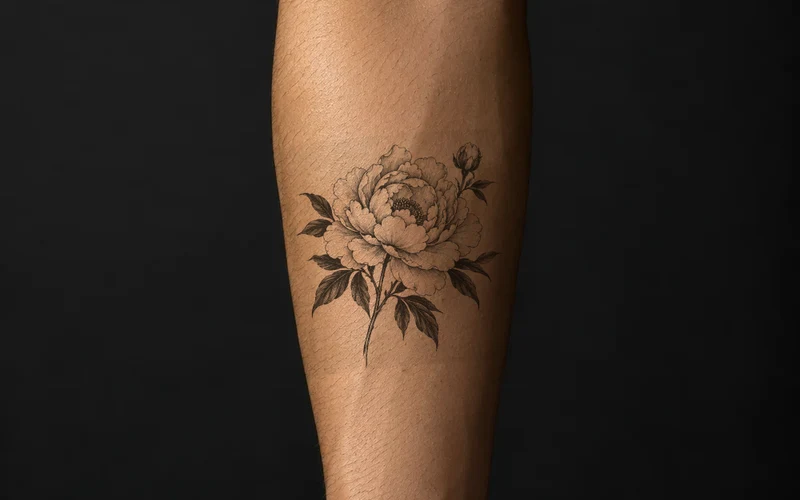
Fine-line peony · Forearm
Flowing stems and open space follow the arm’s shape. Try this peony on your own photo to compare sizes and placements.
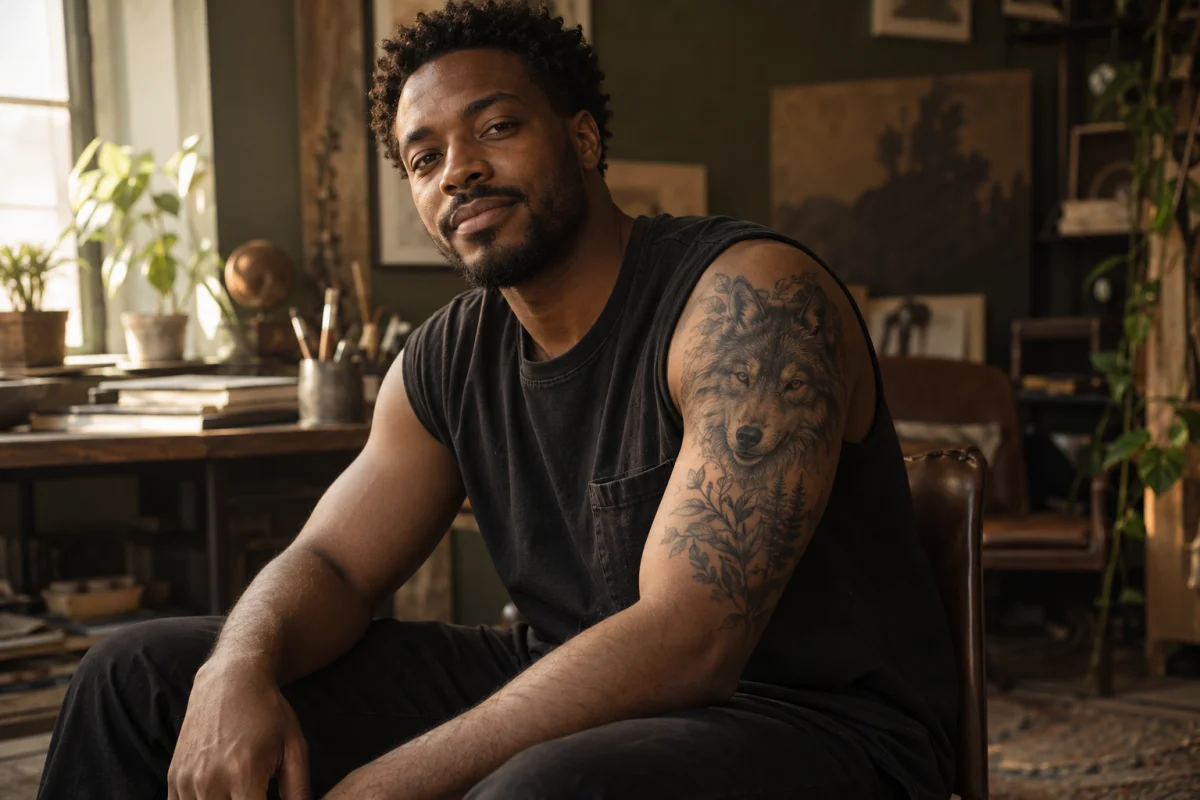
Black-and-gray wolf · Upper arm
Focused shading and a vertical composition draw attention to the portrait. Try the motif on your photo to explore scale and orientation.
From a Tattoo Idea to a Design You Can Compare
Start with a subject
Describe a flower, animal, symbol or personal memory. Add the mood and details you want so the first design has a clear direction.
Compare tattoo styles
Explore fine-line, Japanese, blackwork and other styles. Compare line weight, shading and empty space before choosing a direction.
Check placement on your photo
Take a gallery design or your own artwork into try-on. Compare its size and position on a body photo before discussing the idea with an artist.